Software and hardware support

Reliable repairs, installations, and IT support for everyday business equipment.

MDS helps keep laptops, desktops, servers, printers, VOIP phones, operating systems, and business software working properly, so your team can get back to work without long delays.

RepairDiagnostics and practical fixes for laptops, desktops, peripherals, and common faults.
InstallSet up Windows, printers, applications, VOIP phones, and components correctly.
MaintainReduce disruption with updates, checks, software support, and sensible advice.

Complete support for the equipment your business relies on

From a single slow laptop to a wider office setup, MDS can help diagnose problems, install new hardware, configure software, and keep essential devices running smoothly.

Computer diagnostics and repair

Identify performance issues, hardware faults, startup problems, overheating, storage problems, and general reliability concerns.

  • Laptop and desktop checks
  • Storage, RAM, and component advice
  • Performance and startup troubleshooting

Windows and software setup

Install, configure, repair, and maintain operating systems and business applications so users can work with fewer interruptions.

  • Windows installation and reset
  • Application setup and support
  • Updates and maintenance guidance

Printers, scanners, and VOIP

Support for the devices that sit around your core computers, including printers, scanners, phones, and office peripherals.

  • Printer and scanner installation
  • VOIP phone setup
  • User and device configuration

Software and hardware support areas

The original service grid is kept here, with clearer spacing and the same pictures, so customers can quickly recognise the type of help they need.

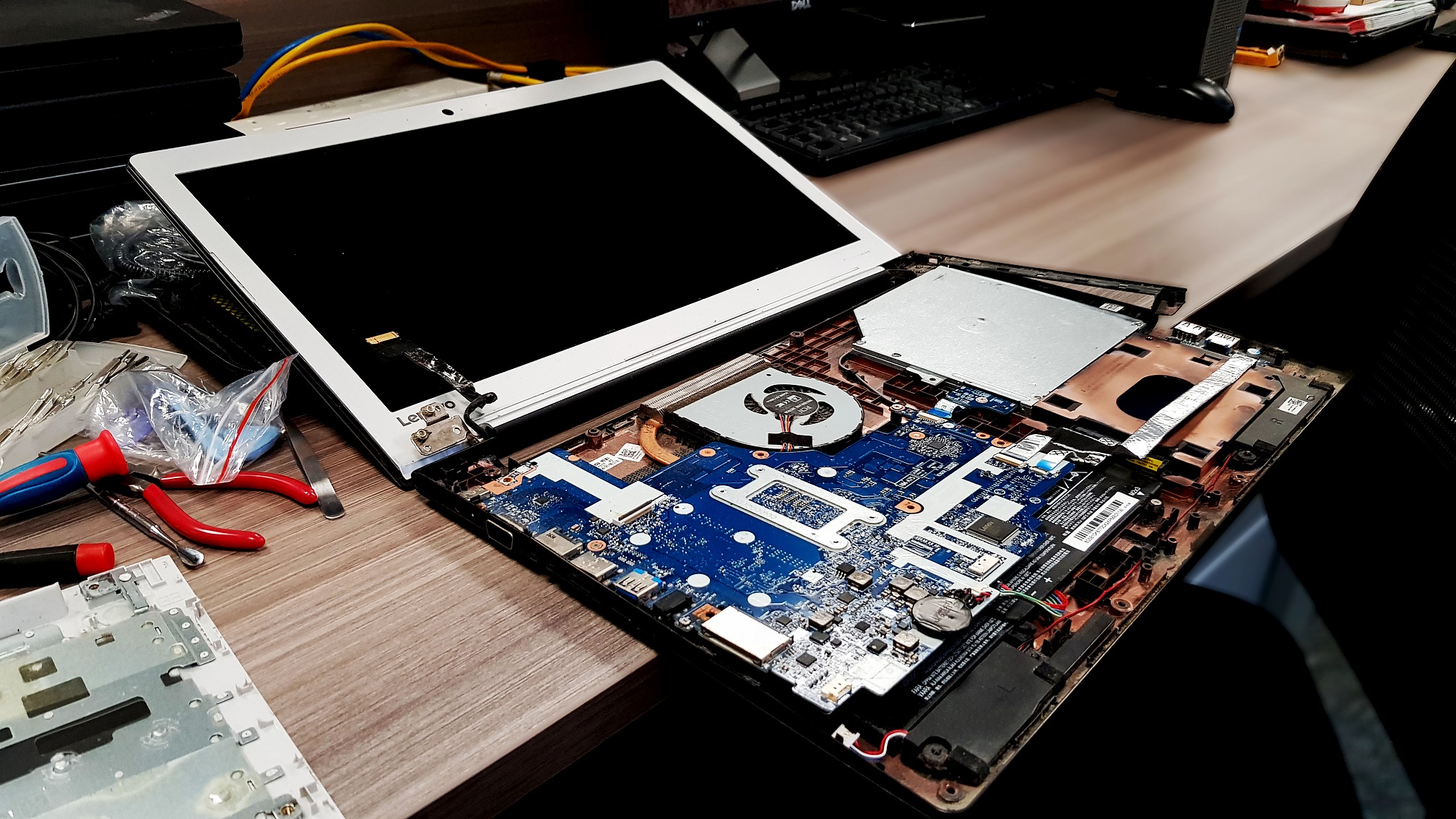
Laptop Repair
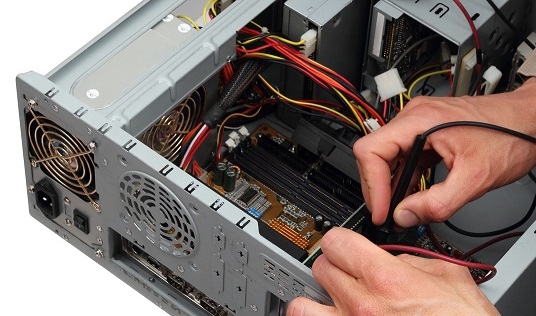
Desktop Repair
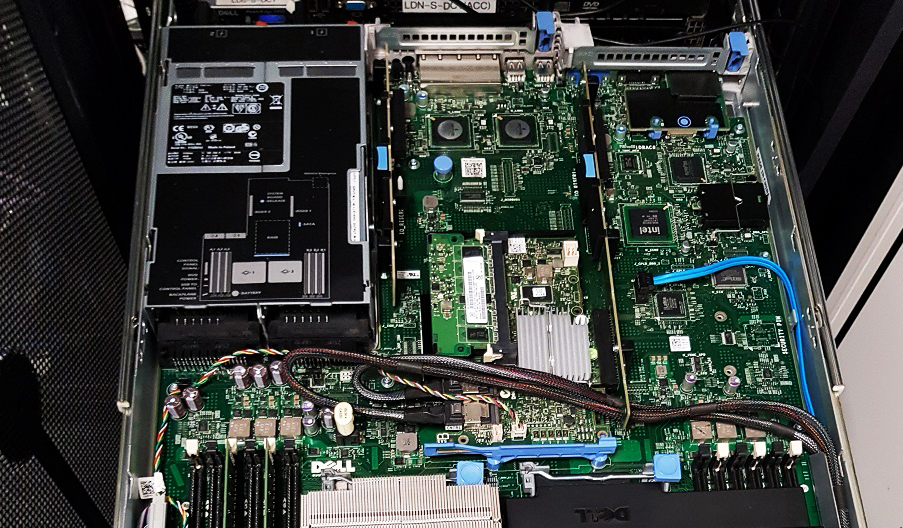
Server Repair
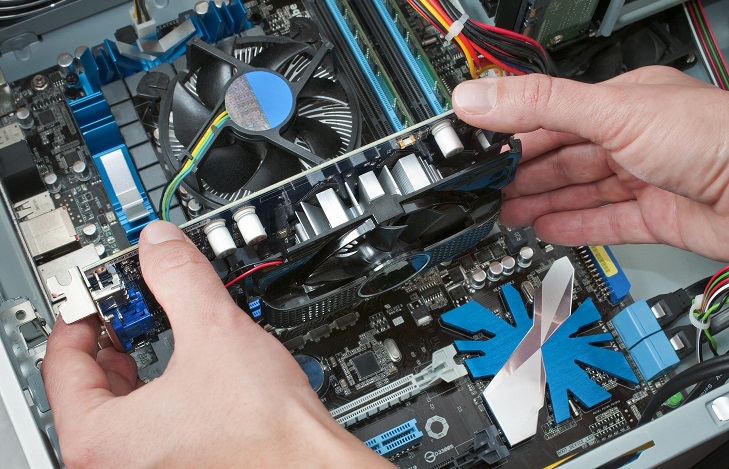
Components Installation
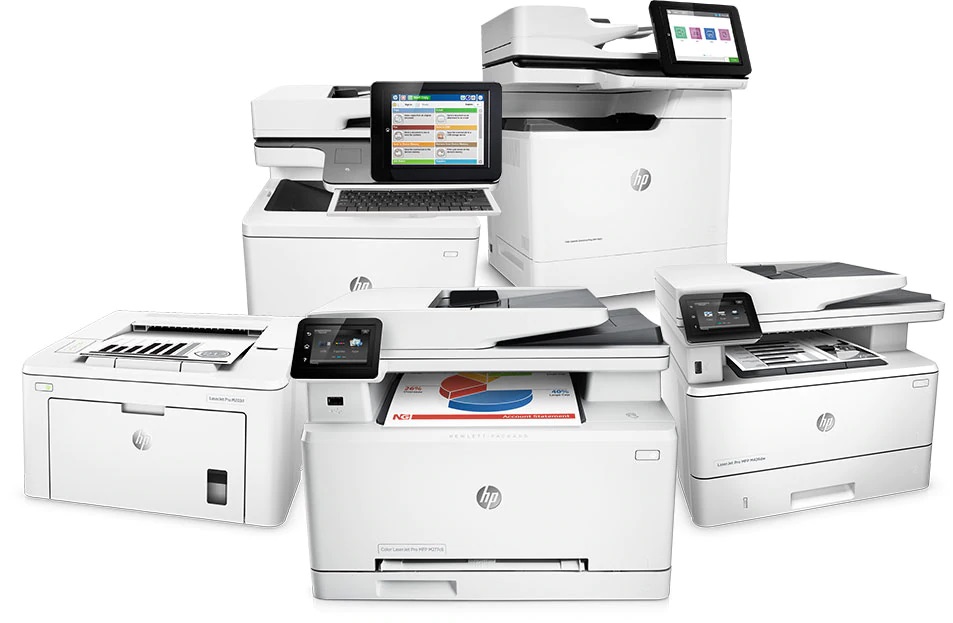
Printers & Scanners Installation
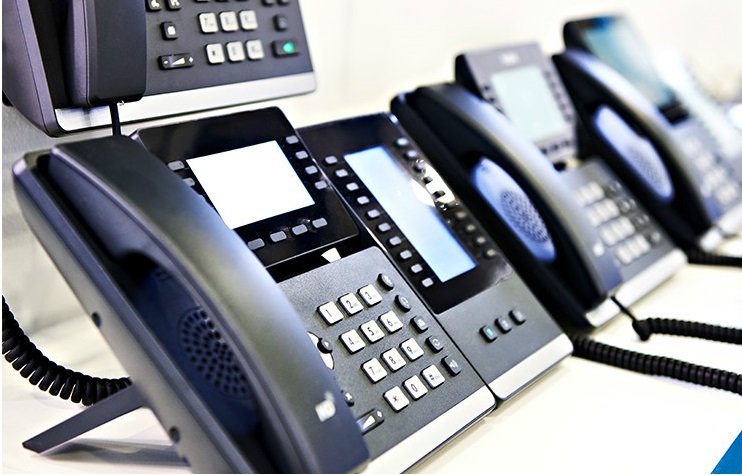
VOIP Phones Installation
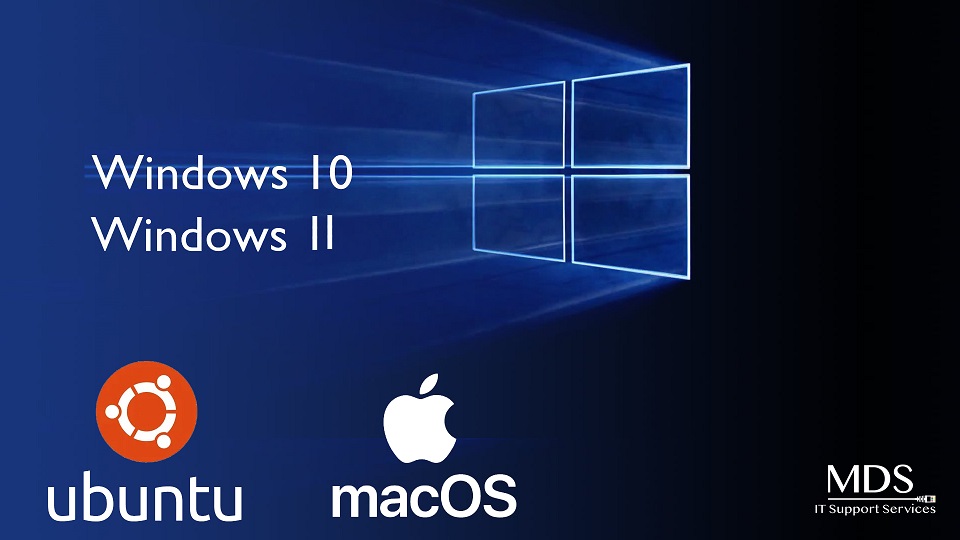
Operating Systems Installation
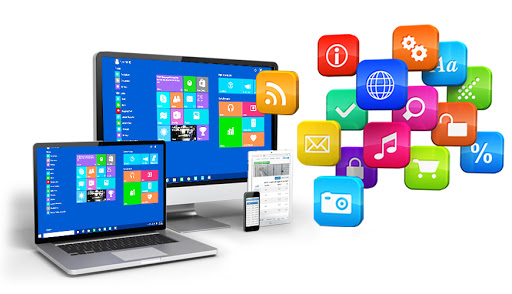
Software Installation
Software Support/Maintenance
Practical troubleshooting

We focus on the fault, the fix, and what prevents it happening again.

Good support is not just about making the warning message disappear. We look at the device, software, user workflow, and wider setup so the repair is useful in real working conditions.

Fault diagnosis Configuration checks Update and security advice Follow-up support
Book a support check
Business-ready support

Support for home users, small offices, and growing businesses.

MDS can assist with one-off fixes or ongoing IT support packages, depending on how often you need help and how important the equipment is to your daily work.

  • Clear advice before replacing equipment unnecessarily
  • Support for upgrades, new installs, and replacement planning
  • Help with laptops, desktops, servers, printers, phones, and software
  • Escalation into remote support, cyber security, network, or cloud services where needed

How MDS handles support requests

A simple support flow helps customers understand what happens after they contact us.

01

Understand

We gather the symptoms, device details, user impact, and urgency before recommending the next step.

02

Diagnose

Check likely hardware, software, configuration, update, driver, or network causes.

03

Resolve

Repair, install, configure, update, replace, or advise on the most sensible route forward.

04

Maintain

Recommend checks, updates, backup routines, and support options to reduce repeat problems.

Need help with a device, installation, or software issue?

Tell us what equipment you have, what has stopped working, and how quickly you need it resolved. MDS will help you choose the right support route.

Free MDS tools for this service

Use MDS calculators and troubleshooters for everyday support, quotes and device planning.