Secure cloud and storage solutions for growing teams.
MDS helps businesses set up cloud storage, NAS devices, shared drives, Microsoft Azure services, backups, synchronisation, and secure file access across offices and remote users.
Cloud and storage services
We support practical cloud and network storage setups that help teams find files, share data, back up work, and keep access secure.
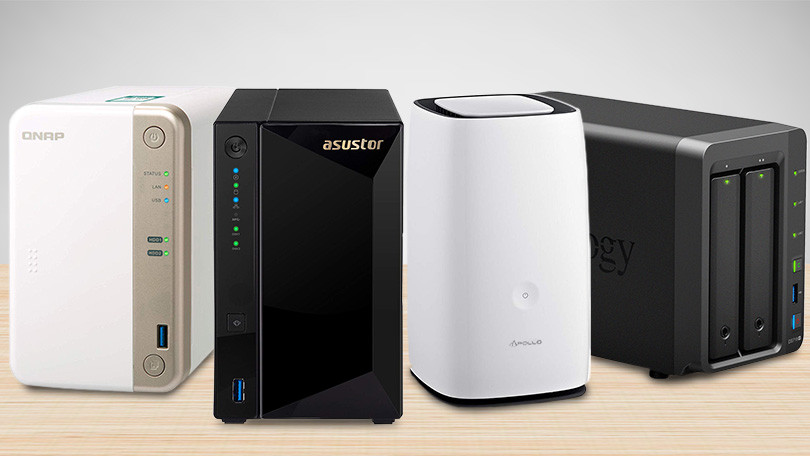
NAS drive setup
Set up network-attached storage for local file sharing, backups, and office-wide access.
- NAS installation
- User and folder permissions
- Drive mapping
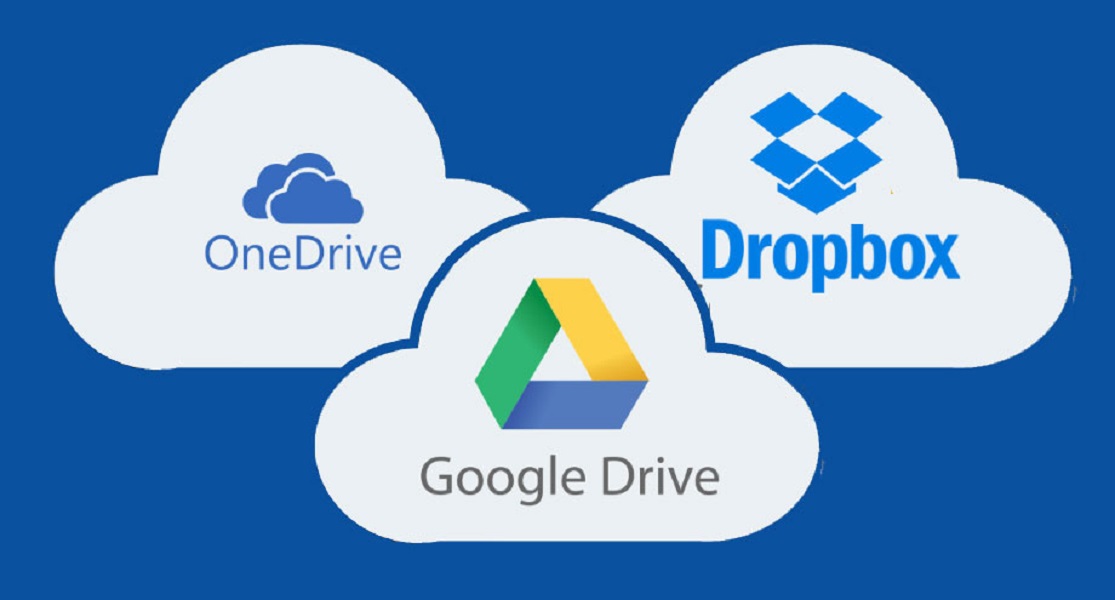
Online storage setup
Configure cloud storage so teams can sync, share, and access files securely.
- OneDrive, Dropbox, and similar tools
- Folder structure planning
- Device sync support
Microsoft Azure support
Support for Azure-based servers, networking, identity, storage, and cloud infrastructure planning.
- Azure setup guidance
- Cloud server support
- Networking and access controls
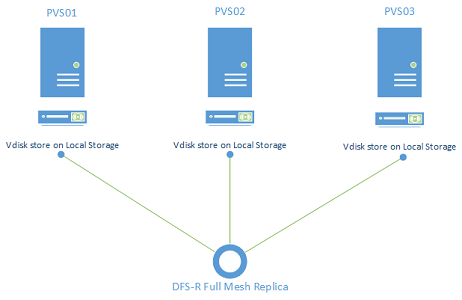
DFS and shared drives
Improve how teams access shared folders and network file resources.
- DFS management advice
- Network share setup
- Permission reviews
Backup and synchronisation
Reduce data-loss risk with sensible backup routines and cloud/local sync strategies.
- Backup checks
- Sync configuration
- Recovery planning
Secure access management
Keep business data protected with access permissions, MFA guidance, and practical policies.
- User access reviews
- Secure sharing setup
- Remote access guidance
Move away from messy file sharing and unreliable backups.
We can review your existing data storage, tidy up permissions, improve sync settings, and recommend whether local NAS, cloud storage, Azure, or a hybrid setup is best.

How we approach cloud and storage projects
The right structure matters as much as the technology. We keep setup, migration, and access clear.
Review
Understand your current storage, users, devices, risks, and access needs.
Plan
Choose the right cloud, NAS, Azure, backup, and permission approach.
Configure
Set up folders, access, sync, devices, backup routines, and documentation.
Support
Train users, troubleshoot sync issues, review backups, and adjust as you grow.
Need better storage, backup, or cloud access?
Tell us what you use today, how many users need access, and where files are getting messy. We will help you choose a stable path forward.
Free MDS tools for this service
Review backup readiness, cyber insurance readiness and cloud security basics.
Cloud Computing Support with clear support from start to finish
Every job is scoped clearly, explained in plain English and handled with the practical business support MDS is known for.
What's included
- Cloud storage, backup and access planning
- Migration support for files, email and users
- Security checks for sharing and permissions
How MDS works
- Initial discussion to understand the issue or goal
- Clear recommendation before paid work begins
- Follow-up support so the work is properly settled
Service guarantee
If something related to the completed work needs adjustment within 14 days, MDS will review it and help put it right.
Simple pricing with no long contract required
Pricing depends on the size of the job, but you will always know the expected cost before work begins.
Cloud review
Clear scope and pricing agreed before work starts.
Migration work
Clear scope and pricing agreed before work starts.
Ongoing cloud support
Clear scope and pricing agreed before work starts.
Common questions about Cloud Computing Support
Can you move files to the cloud?
Yes. We plan the move, permissions and user access before migration.
Can you review cloud security?
Yes. We can check MFA, sharing, backups and account access.
What clients value about MDS
"Clients appreciate cloud setups that feel organised from day one, not confusing after the move."
MDS client feedbackNeed help with
Tell MDS what you need and we will come back with clear advice, pricing and the next best step.